Angel or devil AI filter: meter over your head, then halo or horns
Free to try the page: one photo, 10-second 9:16, ready for Halloween.
Upload one photo of a consenting adult, or a pet photo, and generate a ten-second 9:16 reveal for 20 credits. A playful ANGEL / DEVIL percentage meter counts above the head, then resolves to a golden halo or small red horns. There is no prompt to write.
20 credits per video · One-time credit packs
What the percentage meter does
The meter is a playful visual prop, not a real measurement of personality. It appears above the head, counts upward for a few seconds, then settles toward the angel or devil side. The fixed scene uses that movement to set up the reveal. Short numbers can vary or be partly hidden by the animation, so treat the meter as part of the costume rather than a score.
Angel halo vs. Devil horns
The default Meter reveal can land on either side. Angel halo tips the meter to a golden halo, soft light and small feathered wing cues. Devil horns tips it to small rounded red horns and a confident grin. Both are costume effects with the same ten-second length and the same credit price. Neither version asks for injury, graphic detail or a frightening creature.
Angel or Devil AI filter vs. a Snapchat or Instagram lens
A Snapchat or Instagram lens draws a live overlay on your camera and stays inside that app. This tool generates a new ten-second vertical clip from one uploaded photo in the browser: the meter, halo or horns, lighting and background are rendered into the video. It is not a live lens and it does not copy another app's filter.
How to use the ten-second reveal
Choose Adult or Pet, add one photo and confirm permission. Pick Meter reveal if you want the surprise, or choose Angel halo or Devil horns for a fixed ending. Generate the clip for 20 credits; the price is on the button before you pay. A pet generation also uses 20 credits. Failed or rejected requests return reserved credits.
Read the step-by-step guideAdults and pets: who can be in the photo
Human portraits must show one consenting adult. Do not upload children, public figures or a photo you do not have permission to use. The pet version takes one clear dog or cat photo and an optional consenting adult portrait; the pet is the primary reference and the adult is only added beside it. Both paths are fully clothed and non-graphic.
Halloween timing without the horror
Late October is peak Halloween planning in the US, and an angel-or-devil costume is an easy group or couples idea. This page keeps the mood playful: a costume meter, a halo or horns and a familiar face, with a lighthearted, non-graphic tone. Keep the AI-generated label when you post the clip and do not present it as a real event.
How it works
Choose Adult or Pet
Use the subject switch above the card. Adult takes one consenting adult photo; Pet takes one dog or cat photo and allows an optional adult portrait beside the pet.
Pick a look, or let the meter decide
Meter reveal keeps the surprise. Angel halo and Devil horns give the clip a fixed ending. Every look is a prepared scene, so there is no prompt box.
Generate the ten-second clip
Confirm permission and sign in when you are ready. The video uses 20 credits, shown on the button before you pay. Failed or rejected requests return reserved credits.
Review and share with the AI label
Watch the full clip, check the face or pet markings, the meter and the costume cue, then download it. Keep the AI-generated label when you post it and do not present it as a real event.
What you get with Angel or Devil AI Filter
The clip opens on your recognizable face (or your pet's face) in a simple studio. A glowing ANGEL / DEVIL percentage meter counts above the head and resolves one way: a golden halo, soft light and small feathered wing cues, or small rounded red horns and a playful grin. The camera stays mostly still with a gentle push-in, so the meter and the costume cue are easy to read on a phone. This is a lighthearted Halloween costume reveal, not a frightening character. AI can change the meter numbers, horn shape, halo position and background details, so review the full clip before sharing.
Let the meter decide, or pick a side
The meter counts above your head, then resolves to a golden halo or small red horns. Keep the default surprise or choose the ending before you generate.
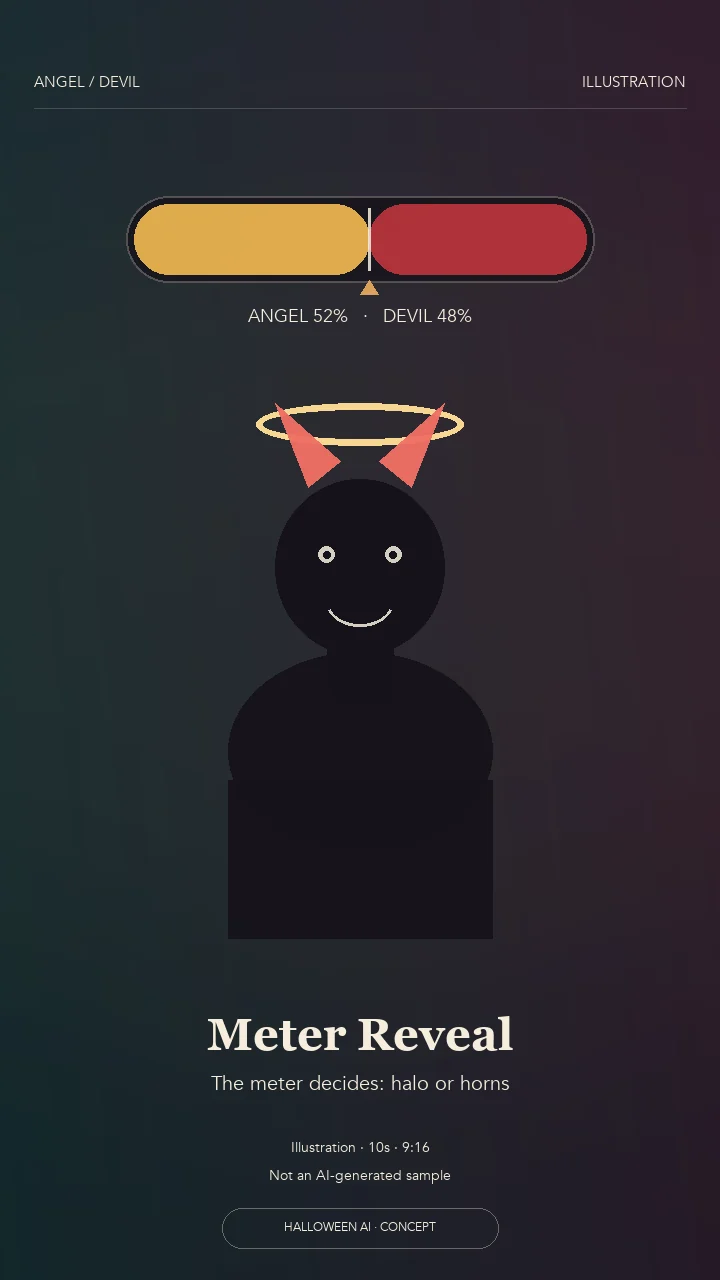
Meter reveal
Let the meter decide between a golden halo and playful horns.
Let the meter decideHow does the meter decide between angel and devil?
The default template lets the meter resolve on its own. It counts above your head, then the ten-second clip settles on a golden halo with a soft light cue or small red horns with a playful grin. Each generation can land differently.
Can I choose angel or devil instead of leaving it random?
Yes. Pick the Angel halo or Devil horns look before generating. Those fixed variations tip the meter to that side so the ending is predictable, while the default Meter reveal keeps the playful surprise.
Will the percentage numbers look exactly right?
The meter is a fixed visual cue, not a live data readout. Short numbers can vary or be partially obscured by the animation. Treat it as a playful prop, not a score with a real measurement.
Is this a scary devil or a costume?
It is a costume: small red horns and a playful grin, not injury, possession or a frightening character. The fixed prompt asks for lighthearted, non-graphic styling and a recognizable adult face.
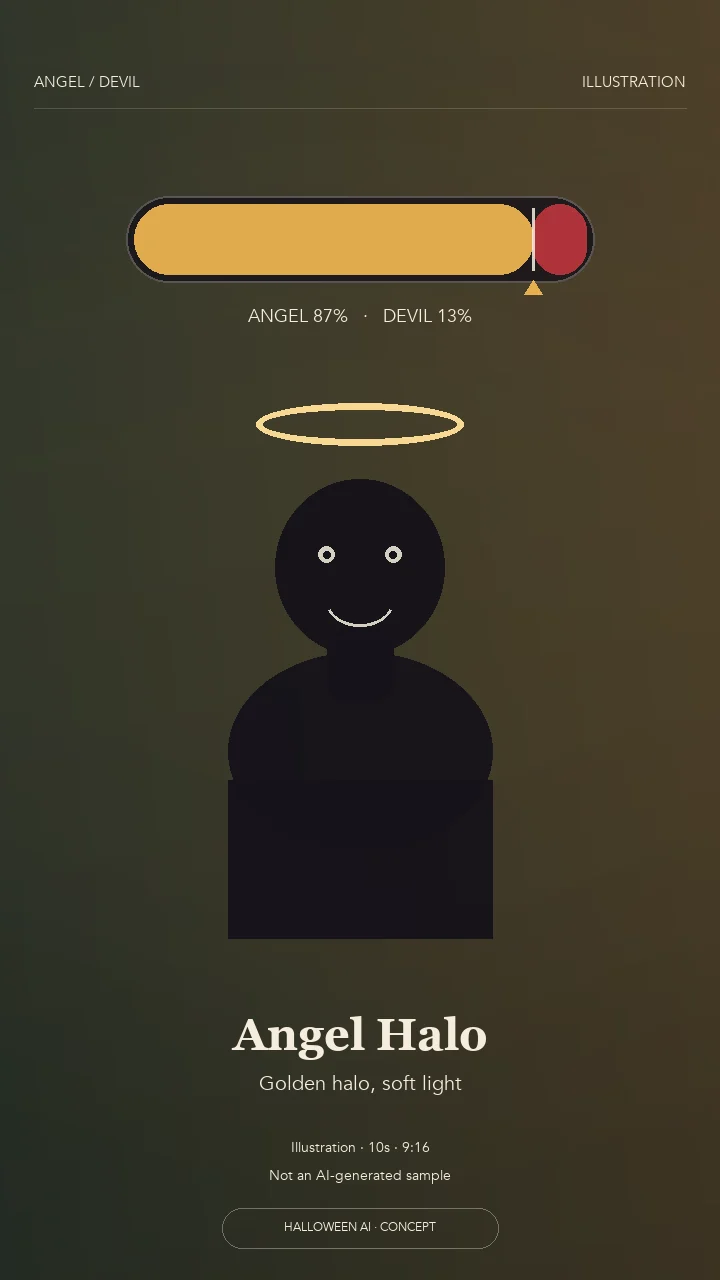
Angel halo
The meter tips to angel: a golden halo and soft light.
Choose Angel haloWhat happens in the Angel halo look?
The meter counts, then settles on the ANGEL side. A golden halo lowers above your head and a soft light and small feathered wing cues finish the costume reveal. There are no horns in this version.
Does the halo cover my face?
The template asks for the halo to sit above the head with clear space around the face. Your features should stay visible, but the position and glow can vary, so review the full clip before sharing.
Can I use this for a family-friendly Halloween post?
Yes, when everyone in the photo is a consenting adult. The look is a lighthearted costume with a halo, not a religious claim or a real event. Keep the AI-generated label when you publish it.
How many credits does the Angel halo clip use?
The Angel halo look is a ten-second video and uses 20 credits, the same as the default reveal and the Devil horns look.
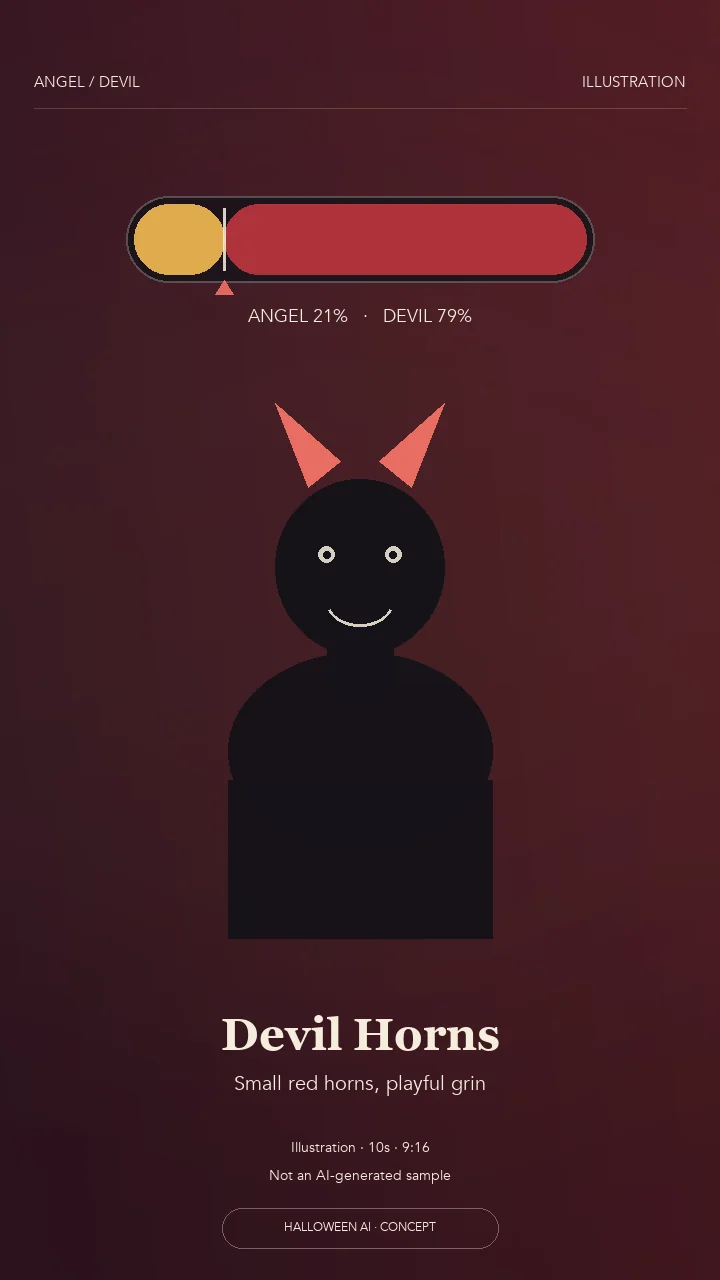
Devil horns
The meter tips to devil: small red horns and a playful grin.
Choose Devil hornsWhat happens in the Devil horns look?
The meter counts, then settles on the DEVIL side. Small rounded red horns grow from the hairline and the adult gives a playful grin. It is a costume cue, with no halo and no frightening character.
Are the horns realistic or just a costume?
No. The fixed prompt asks for small rounded costume horns and a lighthearted expression. There is no injury, no graphic detail and no attempt to look like a real creature.
Can I choose this look for a pet?
The adult Devil horns look is for one consenting adult. For a dog or cat, switch the subject to Pet and use the pet meter reveal; the pet version includes the same halo-or-horns outcome.
How many credits does the Devil horns clip use?
The Devil horns look is a ten-second video and uses 20 credits, the same as the default reveal and the Angel halo look.
Photo tips
Use one clear, evenly lit photo with the face visible and some empty space above the head for the meter and halo or horns. A plain background helps the costume cue read. For a human portrait, use one consenting adult. For a pet, use a pet-only photo; you may add one optional adult portrait on the pet template. Do not upload children, public figures or photos you do not own. Every result is AI-generated and includes a visible label.
The scene plan is fixed. Your photos supply the visual reference; sample clips and posters on this page are for viewing only. The look artwork is an illustration until real samples are produced. No reference video is accepted or used behind the scenes. Sign in only after choosing your photos, then review the credit requirement before generating.
Questions about Angel or Devil AI Filter
How do I make an angel or devil AI filter from a photo?
Open the generator, choose Adult or Pet, upload one clear photo and confirm permission. Pick Meter reveal, Angel halo or Devil horns, then generate the ten-second 9:16 clip for 20 credits. You do not write a prompt. Sign in only when you are ready to generate.
Is there a free angel or devil AI filter?
Browsing this page, previewing the looks and using the upload screen are free. Generating the clip uses 20 credits from a one-time pack; there is no subscription and no unlimited free generation. Failed or rejected requests return reserved credits.
Is my dog angel or devil AI — can I use a pet photo?
Yes. Choose Pet, upload one clear dog or cat photo, and add an optional consenting adult portrait if you want a person beside the pet. The pet template makes a ten-second reveal for 20 credits. The pet's face and fur markings stay the main reference.
Can I choose the angel or devil ending?
Yes. Angel halo and Devil horns are fixed looks with a predictable ending. The default Meter reveal lets the meter decide, so the same photo can land on either side. Each generation is a separate ten-second clip and uses its own credits.
What does the percentage meter actually measure?
Nothing measurable. It is a playful prop that counts above the head and then resolves toward one side. The numbers may vary between generations and are not a personality test, a diagnosis or a real score.
How many credits does a ten-second angel or devil clip use?
Each adult look and the pet template uses 20 credits for the ten-second vertical clip. That matches the existing 10-second La Calabaza template. The exact price is shown on the generate button before you pay.
Is this a Snapchat or Instagram filter?
No. It is a separate browser tool that generates a new video from your photo and a fixed scene. It is not a live camera lens or an official Snapchat, Instagram or TikTok product.
Is the result labeled as AI?
Yes. Outputs keep the existing AI-generated label. Keep that label when you post the clip and do not present it as a real event or a real costume photo.
Can I use a photo of a child or a celebrity?
No. Use one consenting adult for a human portrait, or a pet photo for the pet path. Do not upload children, public figures, celebrities or photos you are not allowed to use.
Does the clip include music or sound?
This template focuses on the visual reveal and does not promise a soundtrack. If the existing pipeline returns a silent clip, add only music or sound you have permission to use in your editor.
How many credits does the Angel or Devil clip use?
A ten-second Angel or Devil clip uses 20 credits from one-time packs. There is no subscription, and failed or rejected requests return reserved credits. The exact price is shown on the button before you pay.
Are my photos uploaded before I sign in?
No. First choose and preview your photos on this device. The browser keeps them for your return from sign-in; if browser storage is unavailable, select them again. When you generate, photos are securely uploaded and checked before any generation starts. Remove a photo to clear that local selection.
What happens if a photo or video fails a safety check?
Rejected requests do not use credits. Reserved credits are returned automatically if a queued request fails safety review or generation. Use only photos you own or are authorized to use, and only consenting adults. Read the Content Policy.
Can I share the MP4?
You can save the video on desktop or mobile and share it subject to the Content Policy. Keep its AI-generated label and do not present the video as a real event. There is no guarantee of identical faces, anatomy, timing or transitions.
More photo and video ideas
- Tim Burton Girls AI
- Halloween PFP
- La Calabaza Dance AI
- Zombie Pet AI
- Ghost Prank Filter AI
- Halloween AI Scream Trend
- Ghost Trend Photoshoot
- Halloween Filter For Photos
- Day Of The Dead AI Filter
- AI Halloween Costume
- Ramalama Costume Walk
- AI Zombie
- Werewolf Transformation
- Vampire Transformation
- AI Skeleton
- Witch AI
- Pumpkin Head Filter
- Halloween Transformation Video